

So well-formatted and natural, you'll barely need to edit.
Fine-tune anything in our editor, cut costs, and export in the format you need.












We benchmark the leading speech-to-text engines regularly and send each language to the one that handles it best. Translations come from the best of the latest frontier AI models for each language. Our own segmentation technology then turns the raw output into natural, well-timed subtitles ready for the screen.
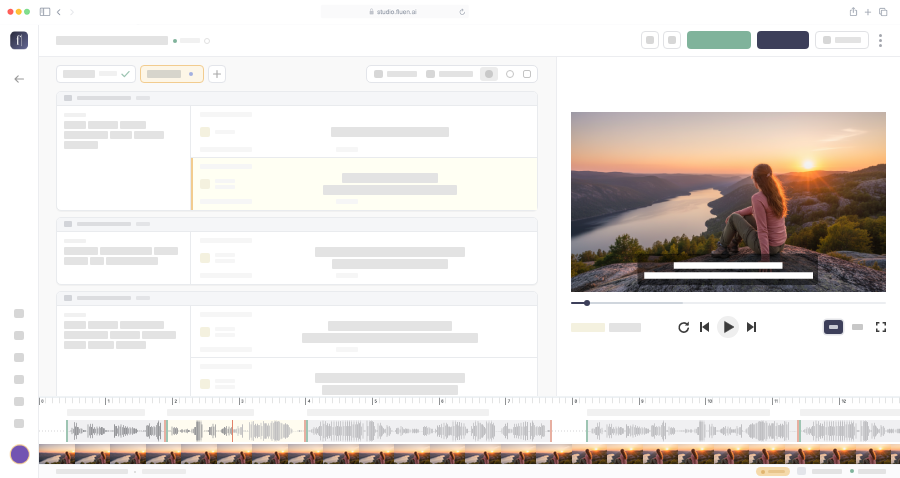
Fluen Studio generates subtitles automatically, applying time codes and line breaks.
Polish the subtitles and pick one of 30+ caption styles, including word-by-word captions. Every style is fully customizable.
Export production-ready MP4 files with hardcoded subtitles, subtitle files in SRT, VTT, TTML, SBV, and more, or the text transcript.
Our segmentation engine turns raw transcription into natural, well-paced subtitles by analyzing speech patterns, structure, and timing. We benchmark the leading speech-to-text engines (ElevenLabs, Speechmatics, Deepgram, AssemblyAI and OpenAI) and route each language to the one that handles it best, and you can add names, brands and terms specific to your field to your Glossary for greater accuracy.
El mayor reto de la localización
de video es mantener los subtítulos
legibles sin perder la fidelidad
al significado original.
Fluen segmenta en pausas naturales
para una lectura sin esfuerzo.
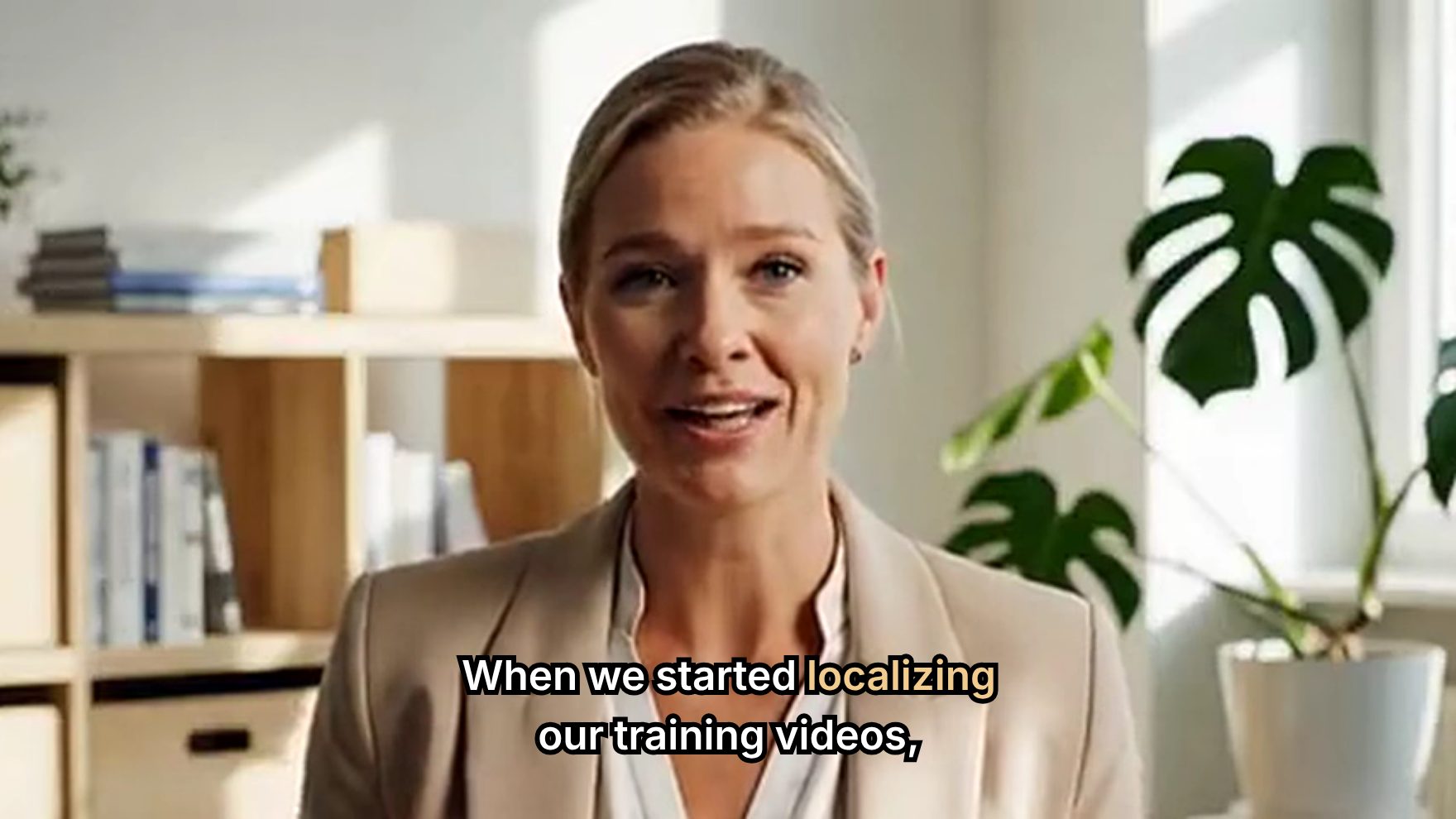
30+ caption styles, including dynamic word-by-word captions. Fine-tune fonts, colors and outlines, then export an MP4 that matches what you see in the editor.

Translate into 50+ languages. Each subtitle is re-segmented for the target language.
Learn more
Shared workspaces, glossary, roles and permissions. Comment on the subtitles themselves, and collect client sign-off language by language.
Learn more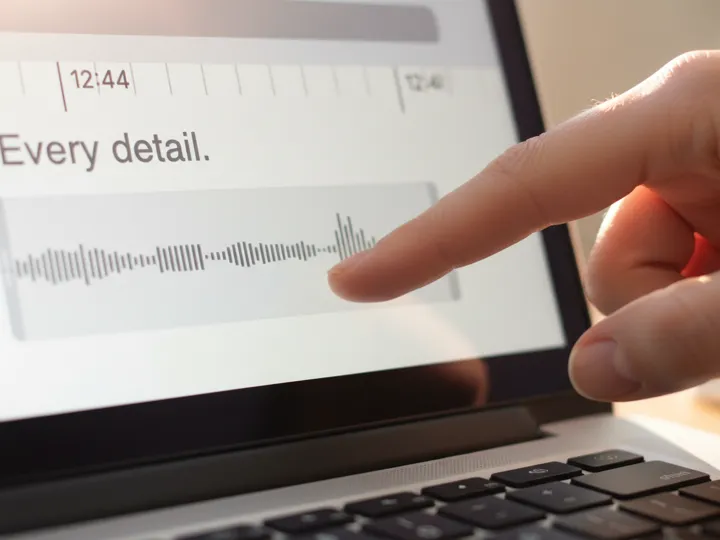
Fine-tune timing, line breaks, and reading speed subtitle by subtitle. The issues list takes you straight to any subtitle that is too long or too fast to read.
Learn moreI wanted to share how grateful I am for Fluen. It has been an incredibly valuable tool for me. Having accurate subtitles on my videos is essential for my work, and Fluen has made the entire process seamless and stress-free.
Turn your sequence audio into captions, or translate the caption tracks you already have into 50+ languages, without leaving your edit. Cleaner line breaks, better translations, and more control than the built-in tools, plus a full web editor when you want to polish.
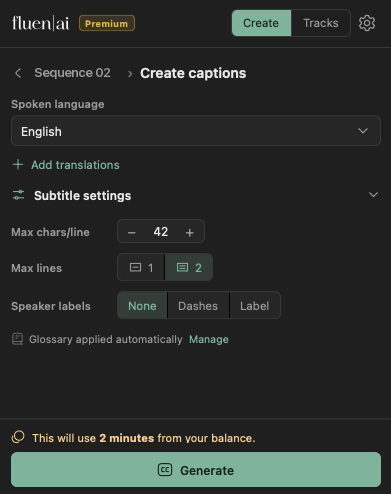
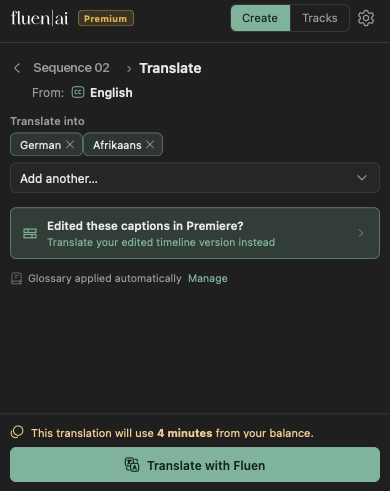
Start captions when a file lands in Drive or Dropbox, post to Slack the moment a language is ready, and file the finished subtitles wherever your team keeps them. No code needed. Developers can drive the same jobs straight from the REST API.


curl -X POST https://studio.fluen.ai/api/v1/media \
  -H "Authorization: Bearer YOUR_API_TOKEN" \
  -d '{
    "file_url": "https://example.com/video.mp4",
    "translate_to": ["es", "de", "fr"]
}'Fine-tune the auto-generated subtitles if needed, then export or distribute your project in minutes.
Compare Plans